Fast review mode
See your top study points in one scrollable view so last-minute revision is quick and easy.
Notes, quizzes, and revision — all in one app.
RapidRevise turns your notes into summaries, flashcards, practice quizzes, and a clean study hub.
RapidRevise is an AI-powered revision assistant built for students who want fast, low-friction exam prep. Scan notes, ask questions, and practice smarter.
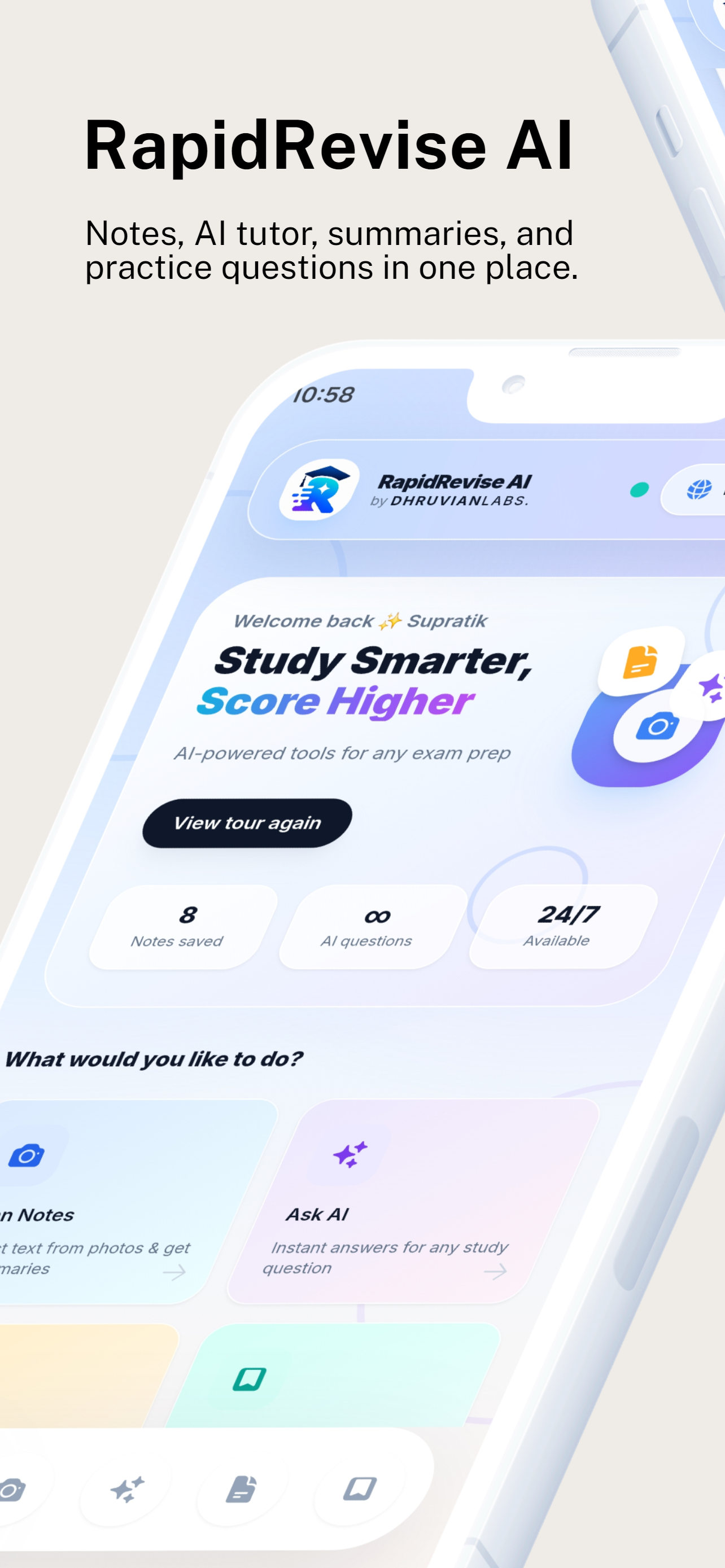
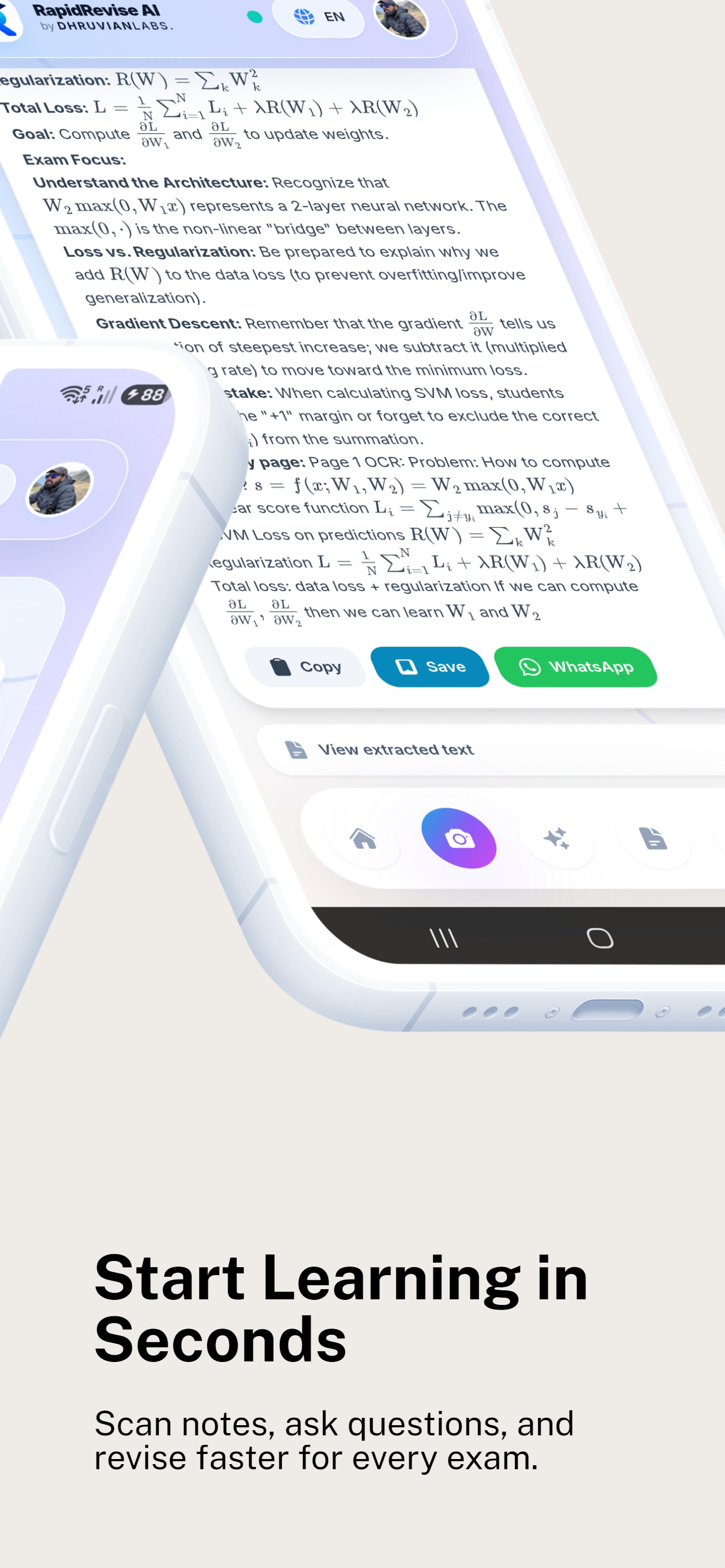
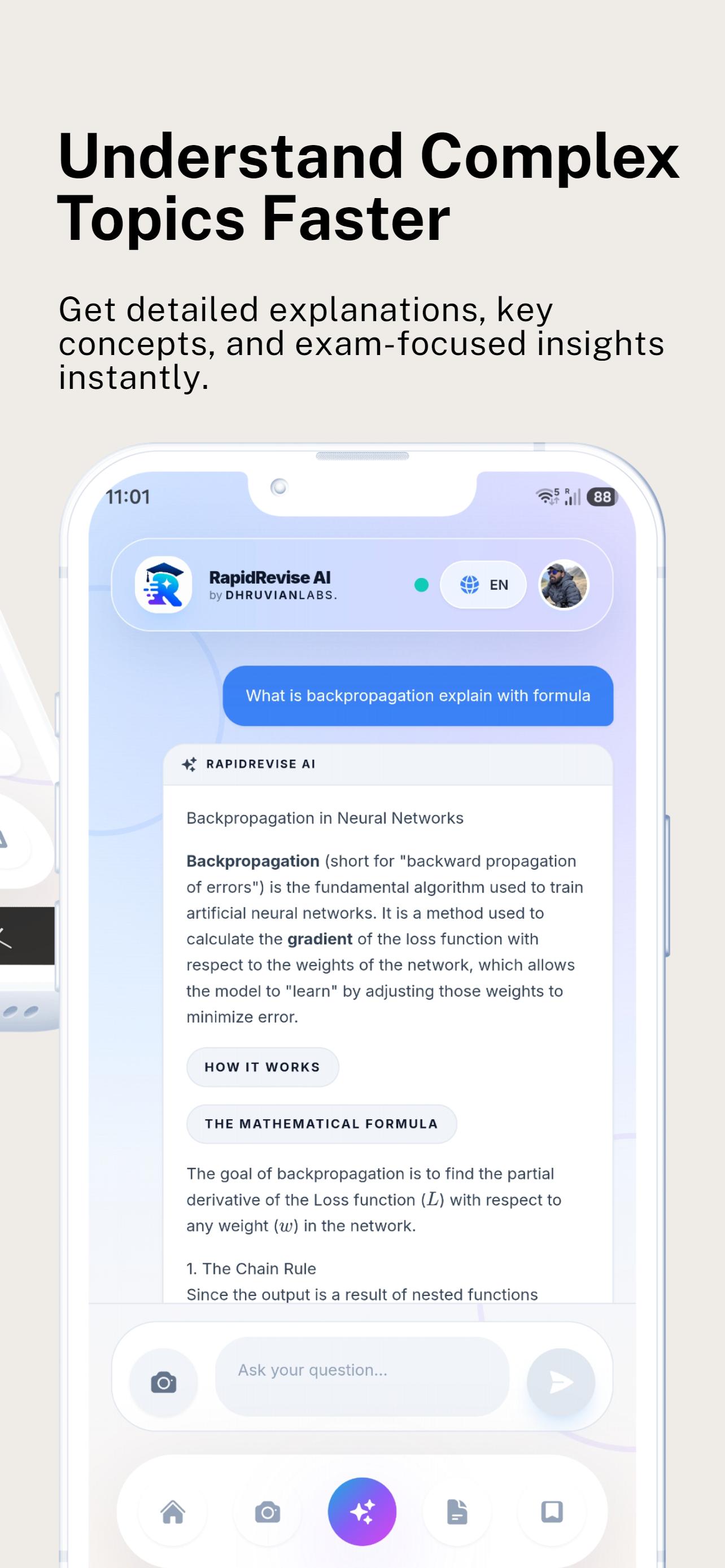
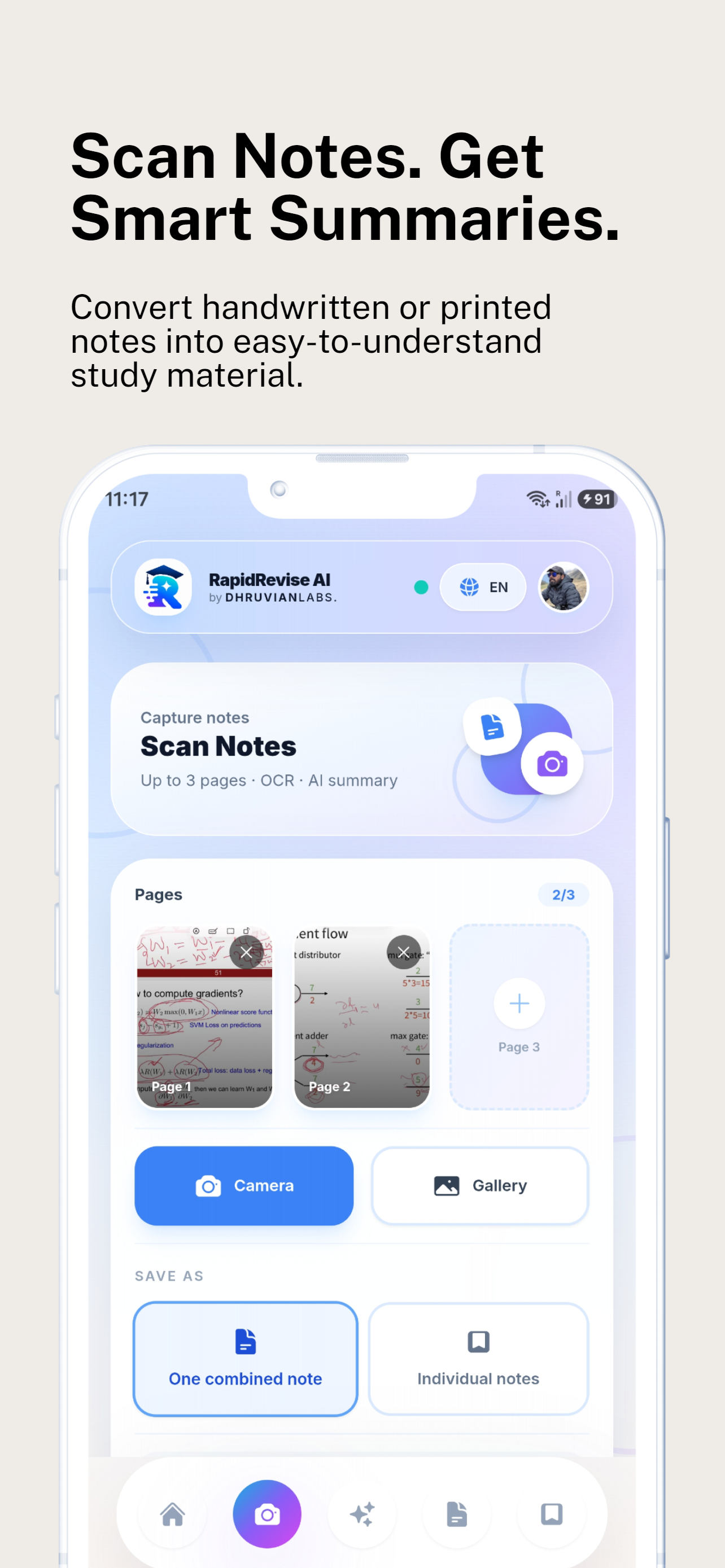
RapidRevise is built around the student workflow: capture notes, understand concepts, practice questions, and review with confidence.
Use your camera or images to convert handwritten notes, textbook pages, or lecture slides into editable study material.
Get instant explanations, examples, and formula help so you can learn difficult concepts faster.
Create smart flashcards and condensed summaries from your study material so revision stays fast and focused.
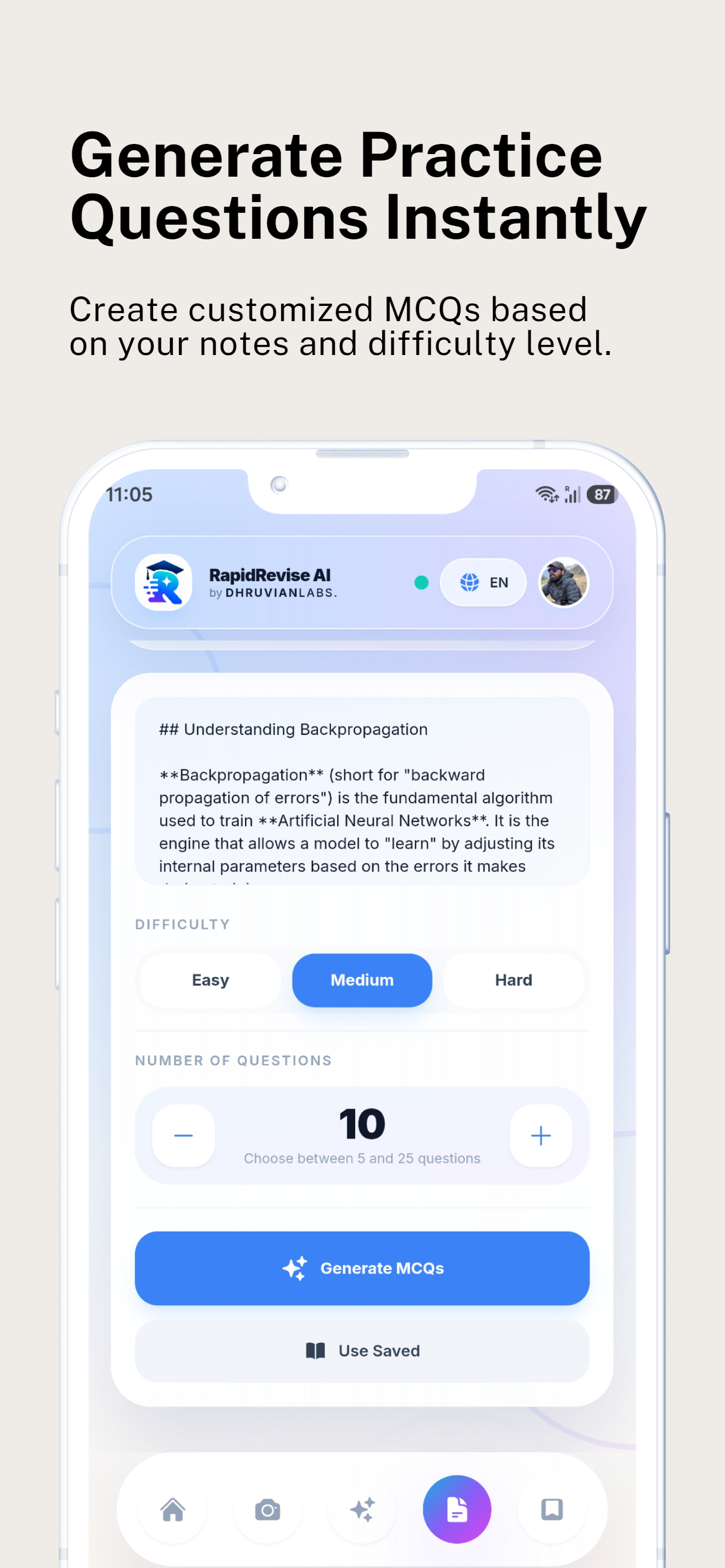
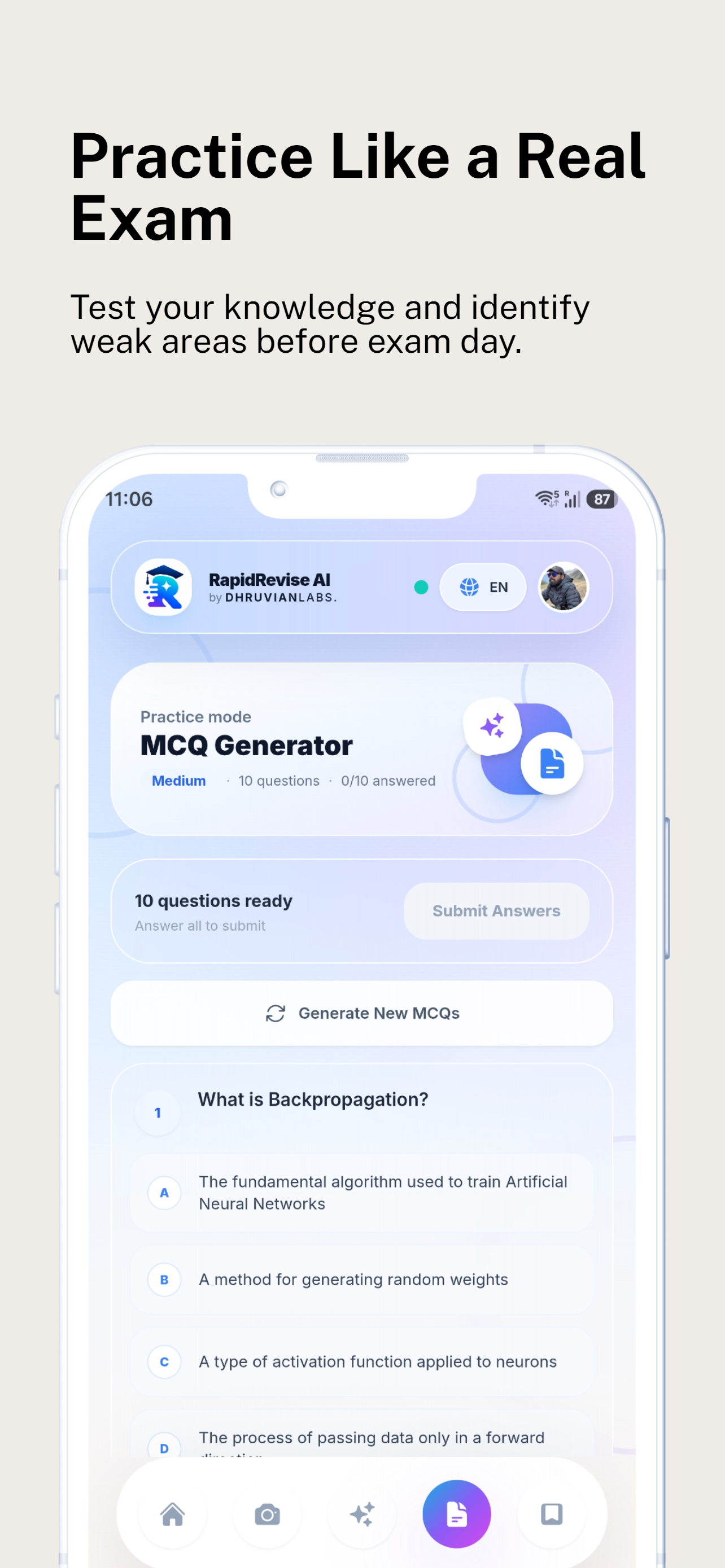
Build confidence with custom quizzes generated from your own notes and selected topics.
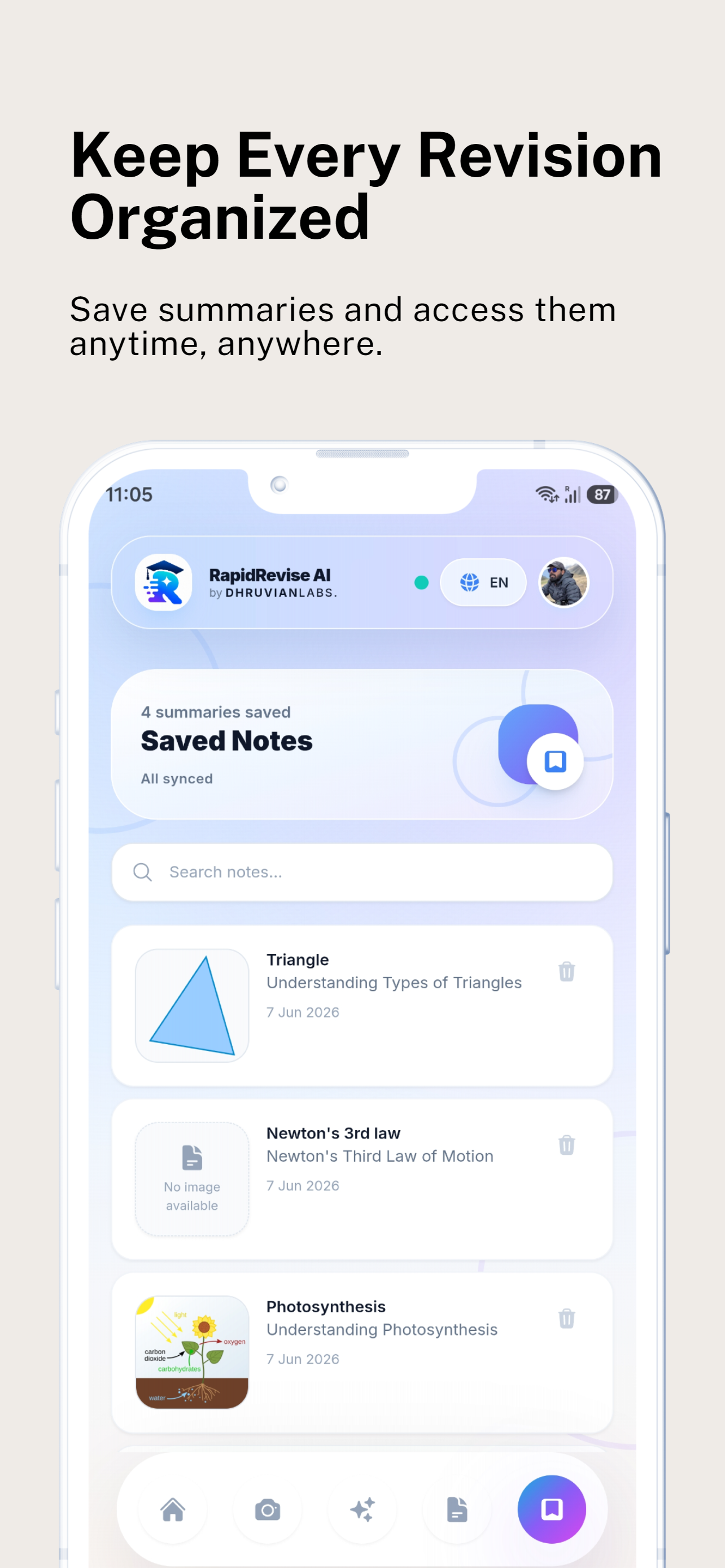
Store summaries, saved notes, and quizzes in one simple space so you can open your revision workflow instantly.
See your top study points in one scrollable view so last-minute revision is quick and easy.
Choose your pace, topics, and practice style with a study workflow made for how you learn.
Designed for students who need fast, low-friction study tools that work on any phone.
A full study workflow with scans, AI help, flashcards, quizzes, and saved revision notes.
RapidRevise is designed for real study habits: quick capture, clear explanations, instant practice, and better review.
Scan notes, PDFs or handwritten pages without typing.
Get instant AI explanations for tough concepts.
Generate practice quizzes directly from your notes.
Save all summaries and flashcards in one revision hub.
Review progress and weak topics faster than manual study.
Low-friction design keeps students focused on studying, not setup.
Launch the app and choose your subject or note source.
Capture handwritten pages, printed notes or slide screenshots instantly.
Turn notes into explanations, flashcards and practice questions.
Use saved notes, flashcards and quizzes to prepare faster for your exam.